Local Plugins
Local plugins are plugin files you install manually from your computer.
Install a Local Plugin
- Open File > Plugins.
- Click the arrow next to Browse plugins.
- Click Install local plugin.
- Select the plugin file.
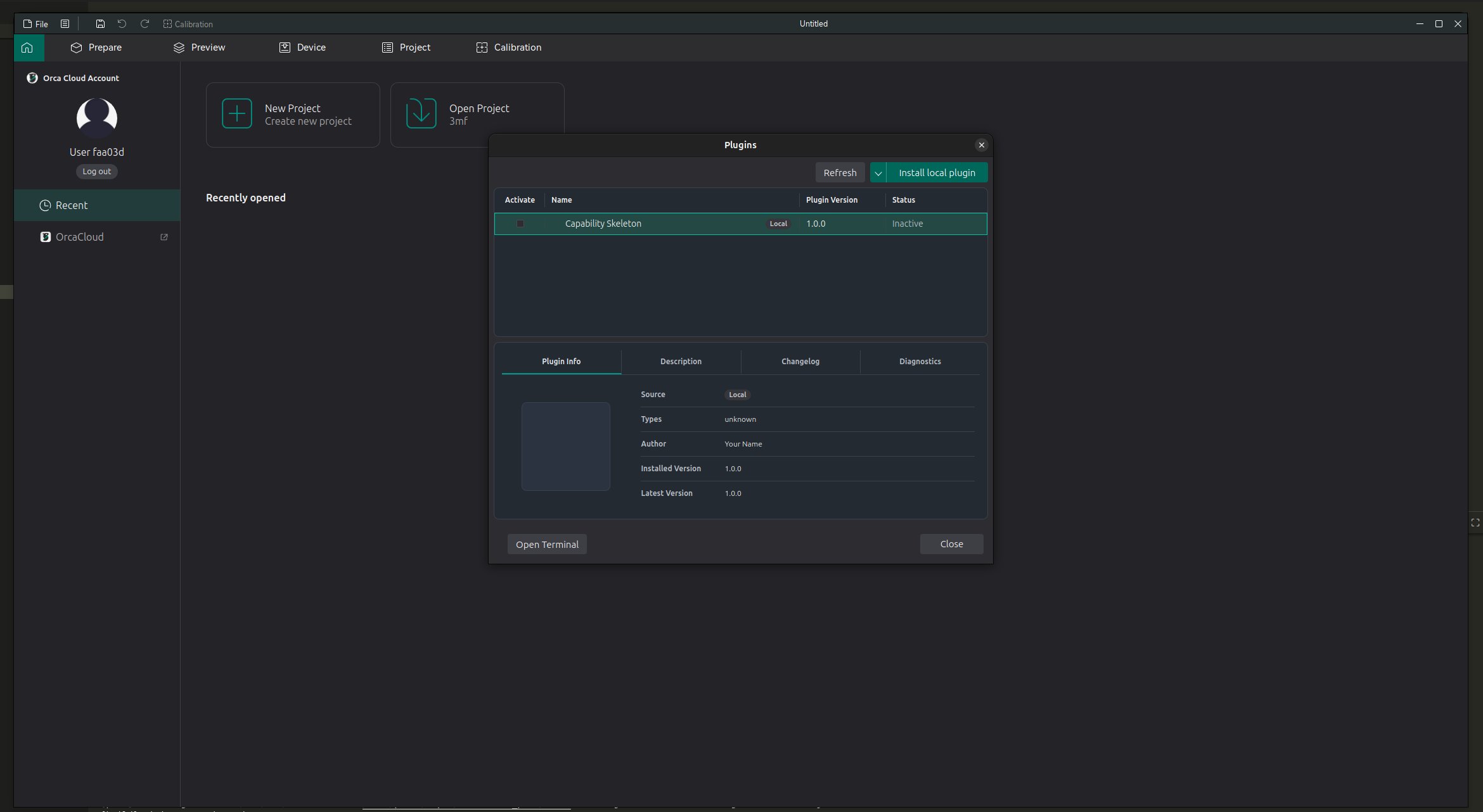
After installation, the plugin appears in the list. A newly installed plugin may be Inactive until you enable it.
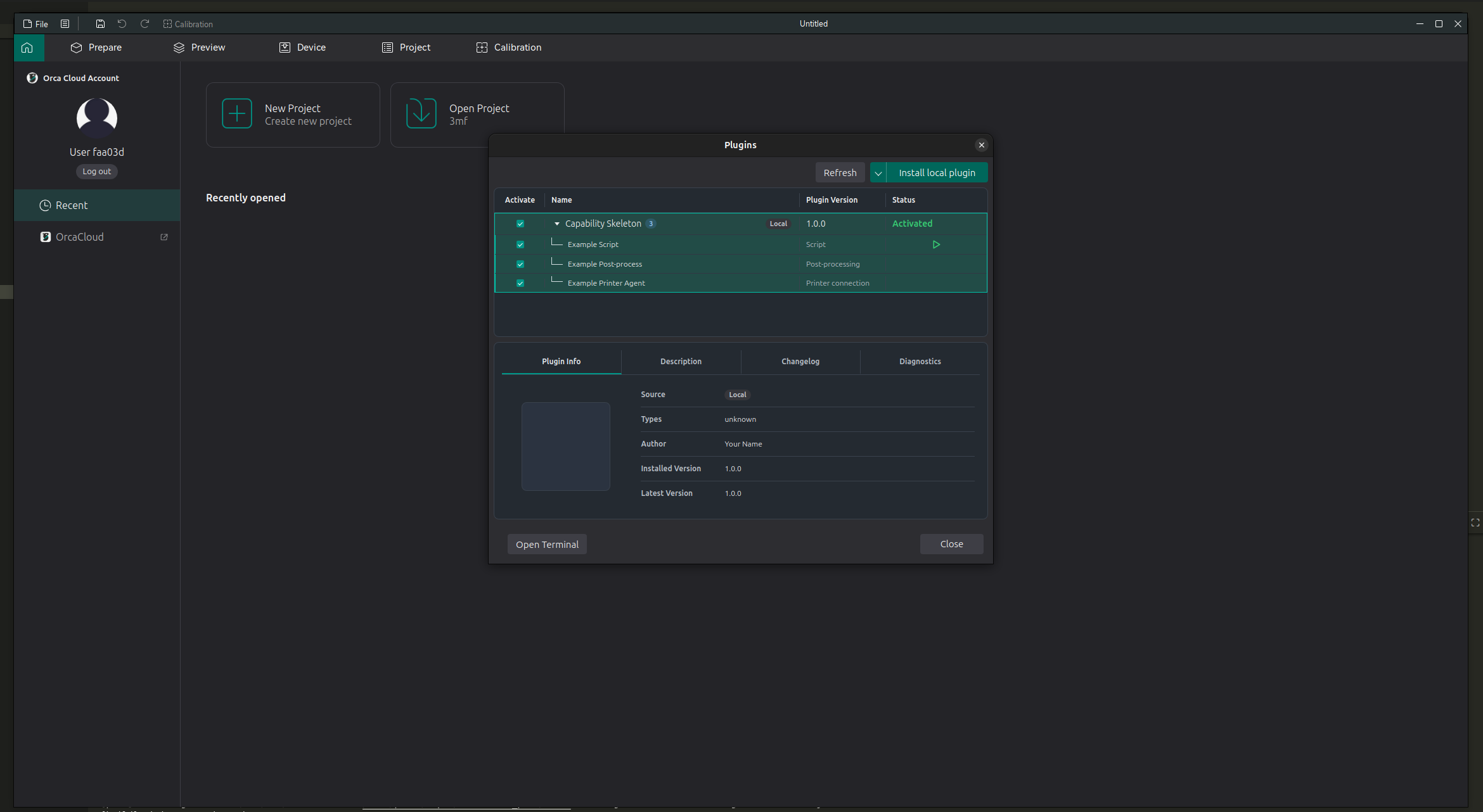
To activate the plugin, check the box in the Activate column. Expand the plugin row to see the features provided by that plugin. Each feature can also have its own checkbox.