Temp Calibration
In FDM 3D printing, temperature is a critical factor that affects print quality. There is no other calibration that can have such a big impact on print quality as temperature calibration.
Nozzle Temp Tower
Nozzle temperature is one of the most important settings to calibrate for a successful print.
The nozzle temperature affects the viscosity of the filament, which in turn affects how well it flows through the nozzle and adheres to the print bed.
- Low temperature can lead to under-extrusion, poor layer adhesion, and stringing.
- High temperature can cause filament degradation, clogging, and stringing.
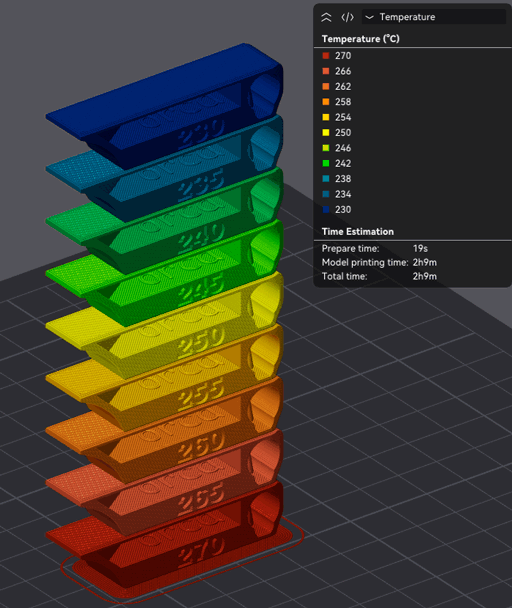
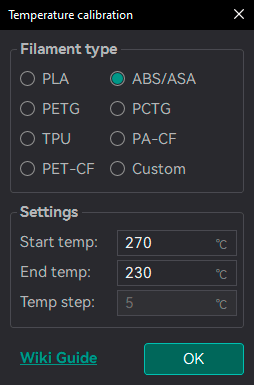
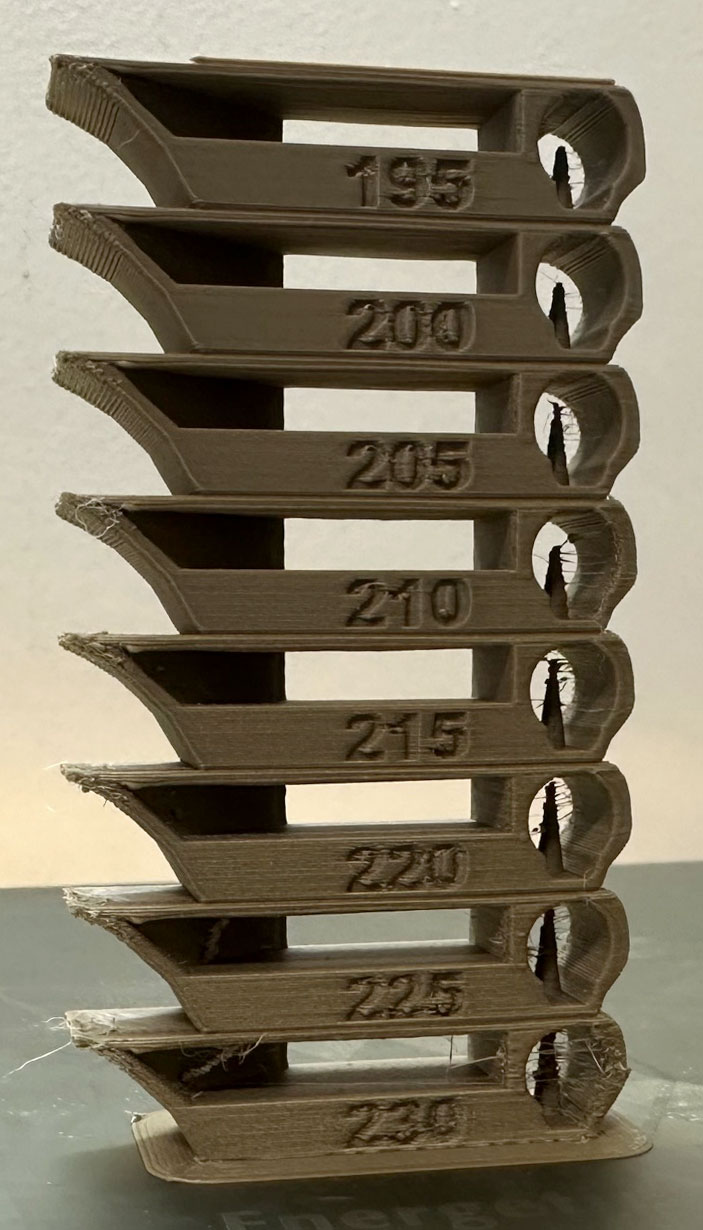
A temperature tower is a straightforward test: a vertical tower with multiple blocks printed at different temperatures. Once the print is complete, examine each block of the tower and determine the optimal temperature for the filament. The optimal temperature is the one that produces the highest-quality print with the fewest issues, such as stringing, layer adhesion problems, warping (overhang), and poor bridging.
Tip
If a range of temperatures looks good, use the middle of that range as the optimal temperature. If you plan to print at higher speeds or flow rates, consider using the higher end of that range.
Note
Auto-scale for nozzle is enabled by default in the test dialog. The reference model is designed around a 0.4 mm nozzle at 0.2 mm layer height; with the option enabled, the tower is scaled to your nozzle diameter and the layer height is set to half of it, so all of its features stay properly scaled and visible regardless of the nozzle size you use. Disable it only if you want to print the reference model at its original 0.4 mm size, for example to compare against earlier towers.
Interpreting results
- Stringing: lower temperatures typically reduce stringing.
- Layer adhesion / strength: higher temperatures generally improve adhesion.
- Overhangs / bridging: higher temperatures can help flow, but too high causes sagging.
- Surface finish: balance temperature and flow for the best finish.
- Choose a temperature that balances these factors for your intended print speed and strength.