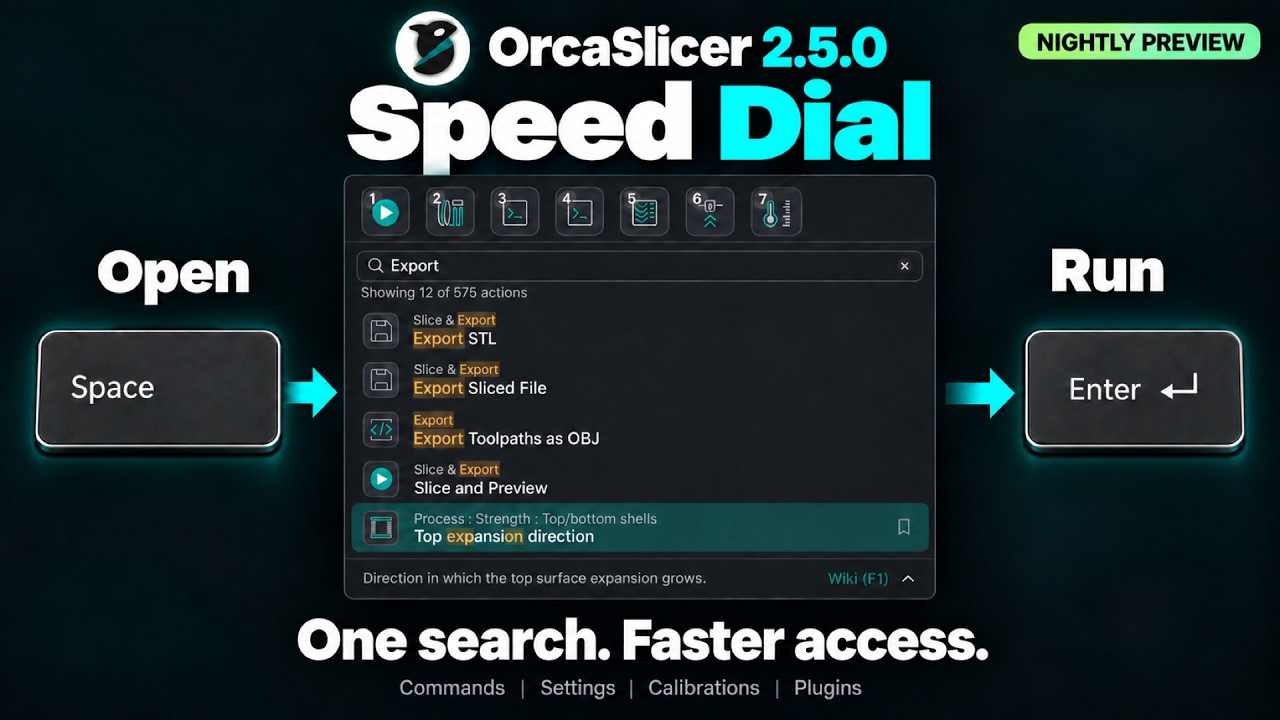
Speed Dial
Important
NEW FEATURE: Speed Dial
Available in: Nightly builds or Releases greater than 2.4.2.
The Speed Dial is a search-first launcher for everything runnable in OrcaSlicer: plugin script capabilities, built-in commands (slice and export, calibration, views, object and plate operations, help, and more), and individual settings. Open it from any page by pressing Space, or from the menu (Open speed dial...).
How to use
- Press Space to launch the speed dial window.
- Type to filter. The search matches the action name, its category, and its source, and accepts
several words (for example
speed acceleration inner wall). - Press Enter or double-click to run the highlighted action.
- Press Escape to clear the search, then again to close.
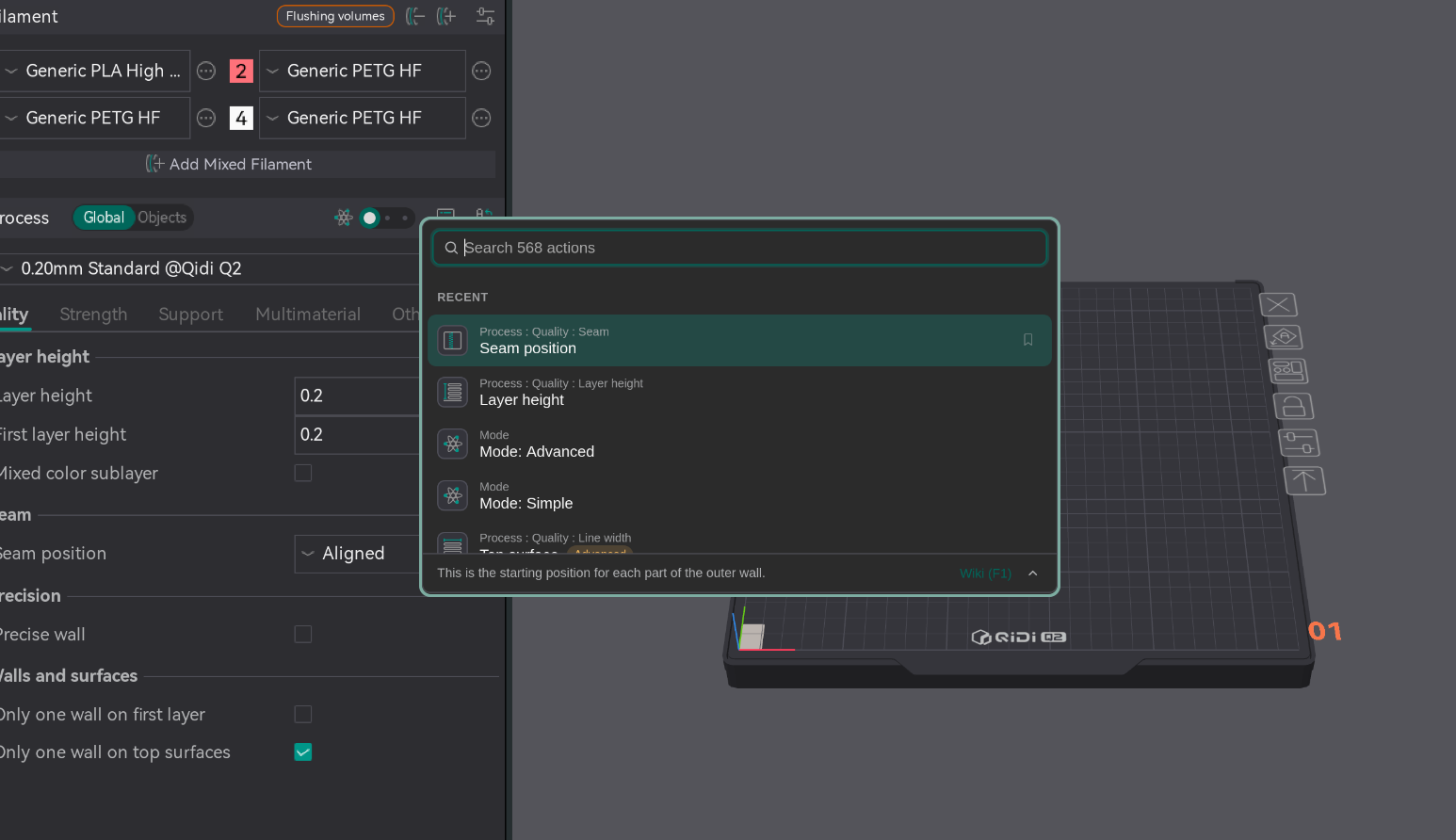
Favourites
You can bookmark up to 10 actions in the favourites bar.
- Press Ctrl/Cmd+B to pin or unpin the highlighted action;
- Press Alt/Option + 1-9 (0 for the tenth) to launch a pinned action directly;
- Use the arrow keys to move between the favourites bar and the action list;
- Right-click a favourite to move it left or right, or unpin it.
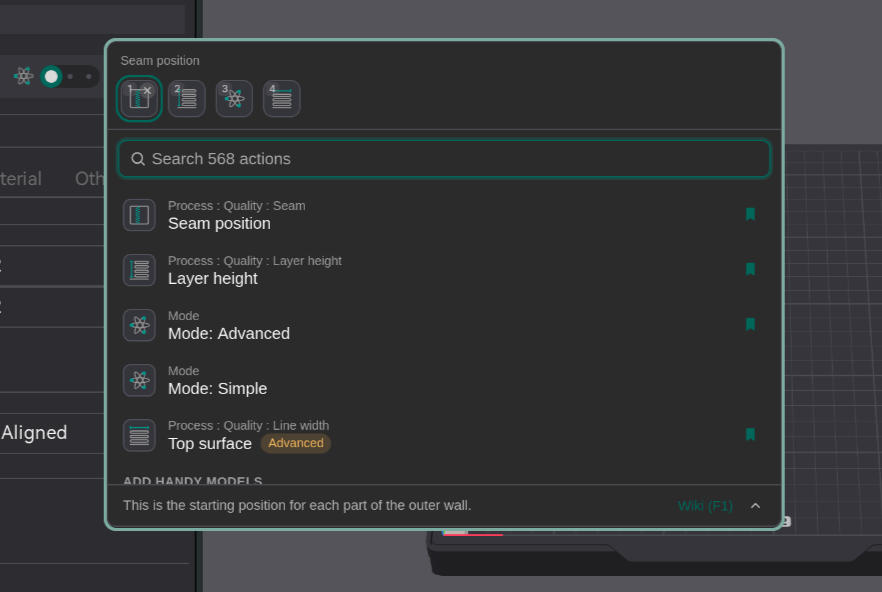
Recents and categories
- Recently launched actions appear at the top of the list.
- Scrolling past them shows the full list of actions, sorted by category.
Details and Wiki
- Certain process settings show their tooltip in the footer.
- Use the arrow button to expand or collapse it.
- Press F1 (or click the Wiki link) to open its page.
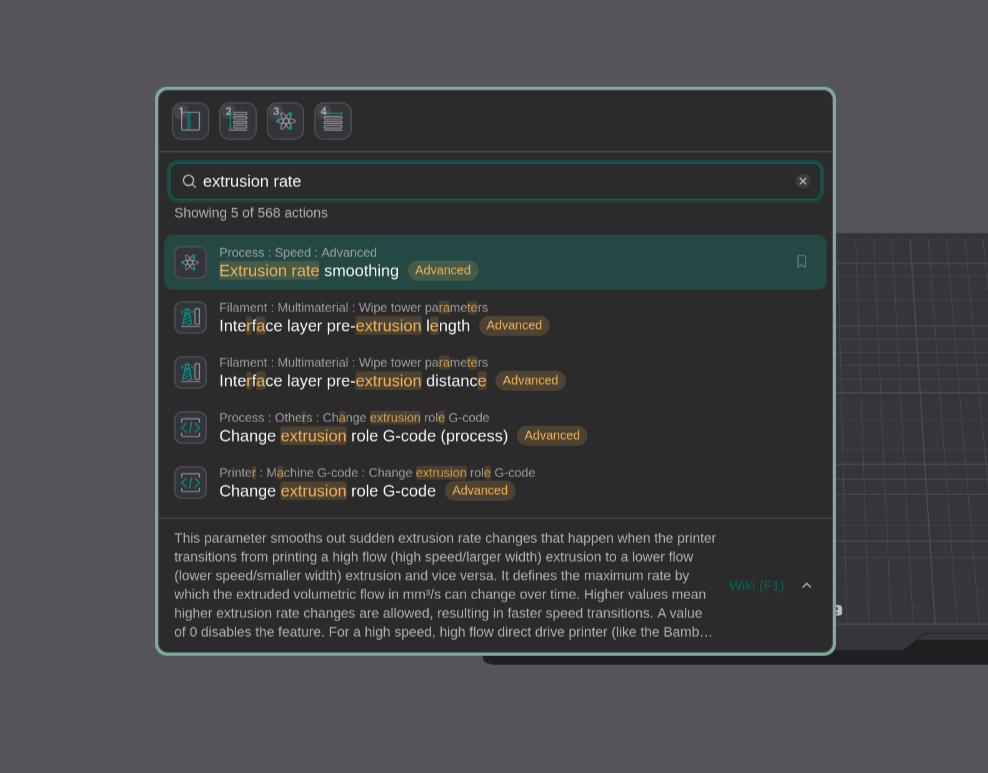
Plugins
- Installed Plugins also show up in the speed dial for easy access.
Preferences
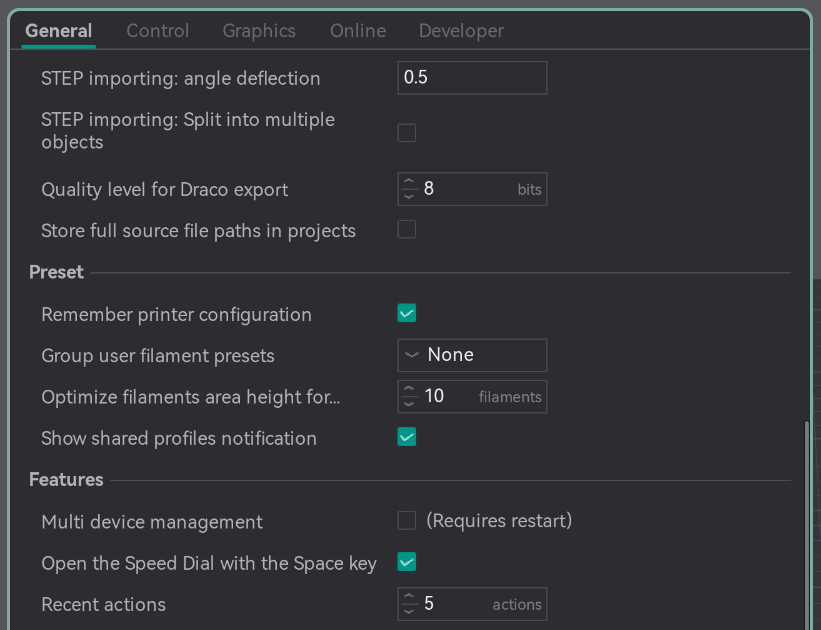
Under Preferences > General > Features:
- Open the Speed Dial with the Space key turns the Space shortcut on or off.
- Recent actions sets how many recent actions to show. Set to 0 to hide all recent actions.
Video
A speed dial video guide is also available on our YouTube channel. Link