Managing Plugins
Select a plugin to view its information in the lower panel. The tabs show:
| Tab | What it shows |
|---|---|
| Plugin Info | Source, type, author, installed version, and latest version |
| Description | Information from the plugin author |
| Changelog | Version history, if provided |
| Diagnostics | Loading or error information |
Right-click a local plugin to manage it.
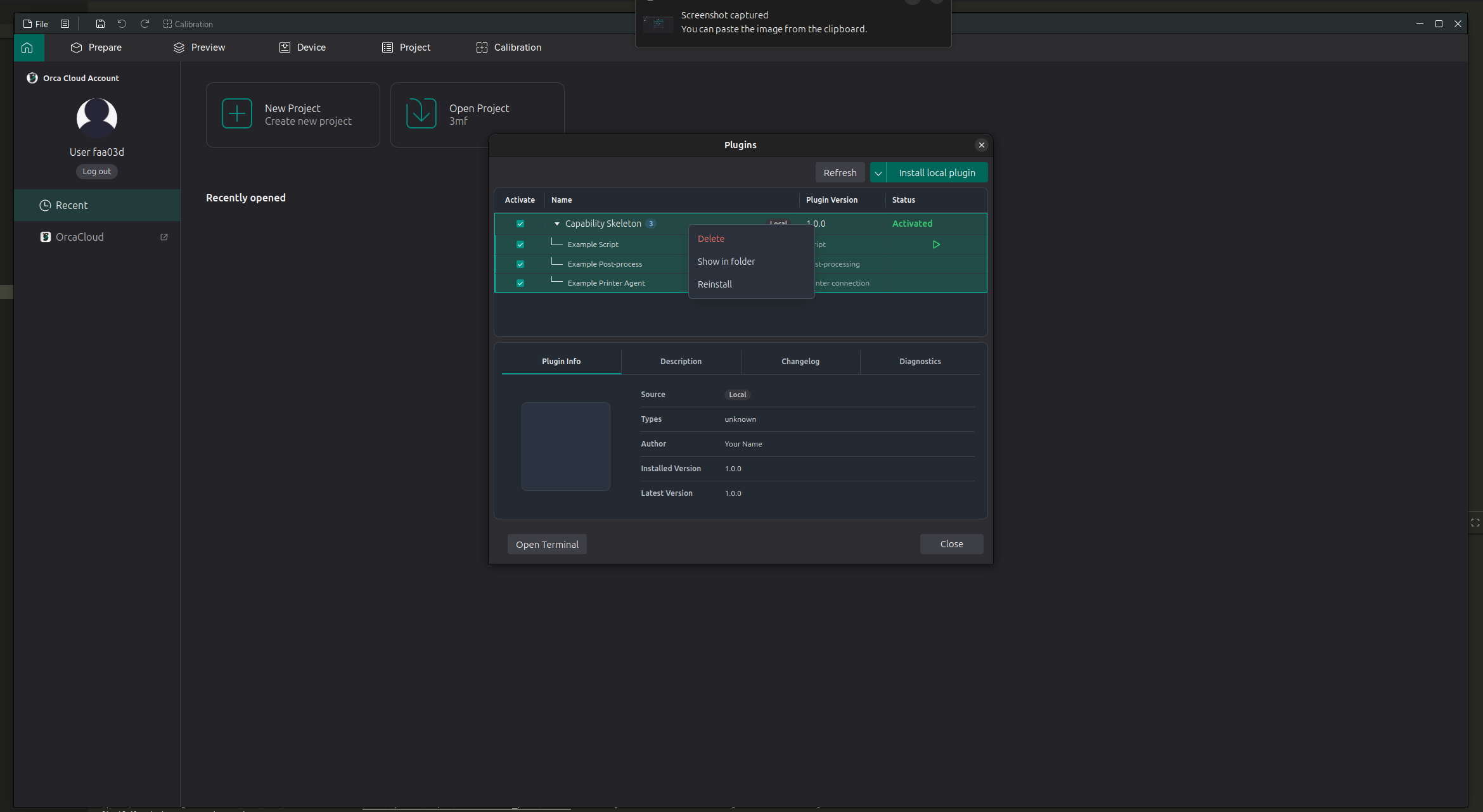
Common actions include:
- Delete/Unsubscribe removes the plugin if it is local, unsubscribes and removes the plugin if it is from the cloud.
- Show in folder opens the plugin location on your computer.
- Reinstall installs the plugin again from its source file.
Use Refresh if you installed, updated, or subscribed to a plugin and the list has not changed yet.