Filament for Features
These settings allow you to specify which extruder to use for different features of the print, such as walls, infill, and wipe tower.
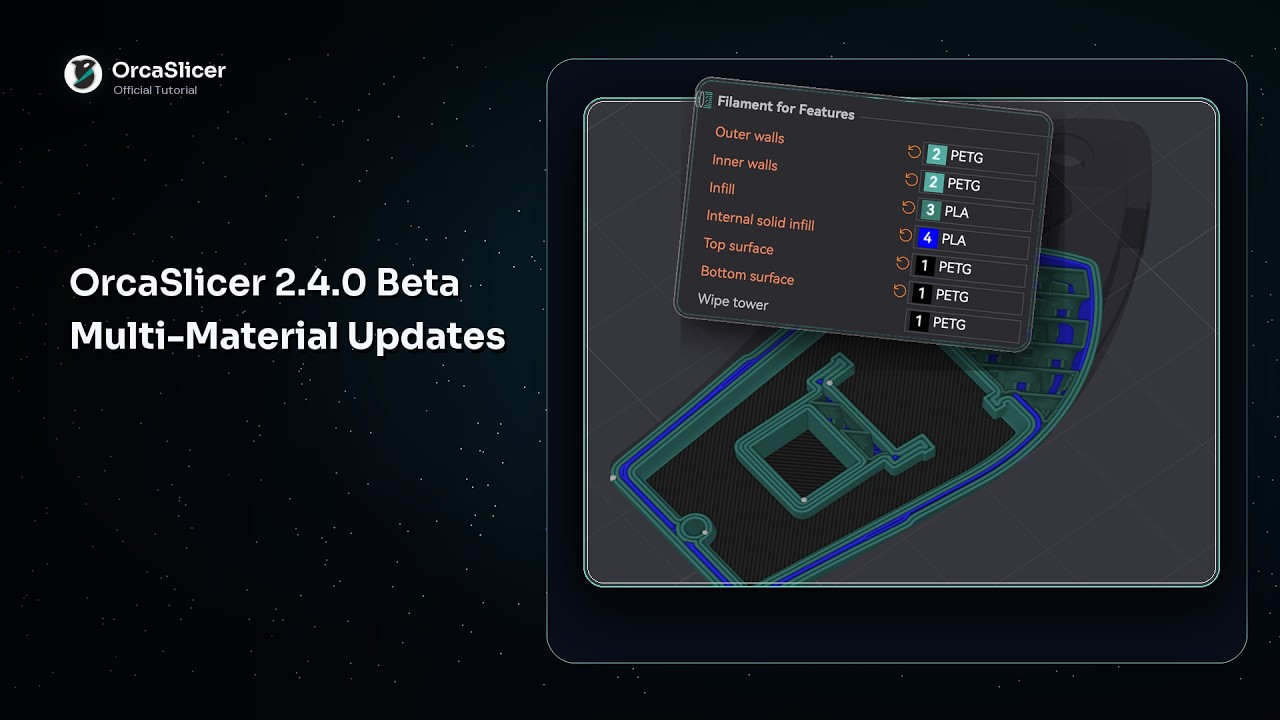
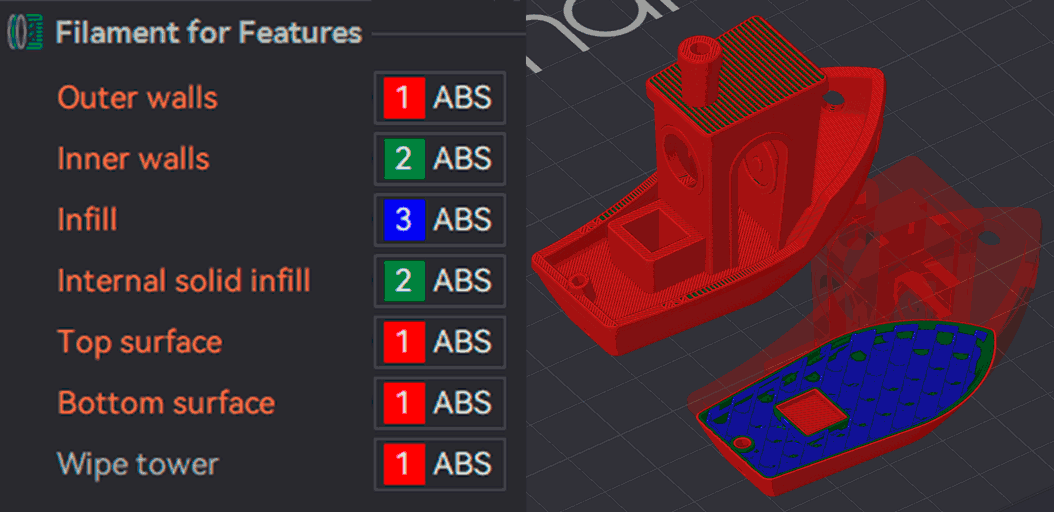
Outer Walls
Mode: Advanced.
Variable: outer_wall_filament_id.
Type: Integer.
CLI Example: --outer-wall-filament-id=1.
Filament to print outer walls.
This can also be used to use a translucent filament for outer walls to achieve a frosted glass effect.
When using a mixed nozzle size setup, it's recommended to use the smaller nozzle for outer walls to achieve better surface quality and detail.
Inner Walls
Mode: Advanced.
Variable: inner_wall_filament_id.
Type: Integer.
CLI Example: --inner-wall-filament-id=1.
Filament to print inner walls.
When using a mixed nozzle size setup, you can use a larger nozzle for inner walls to speed up printing while maintaining good layer adhesion.
Sparse Infill
Mode: Advanced.
Variable: sparse_infill_filament_id.
Type: Integer.
CLI Example: --sparse-infill-filament-id=1.
Filament to print internal sparse infill.
When using a mixed nozzle size setup, you can use a larger nozzle for infill to speed up printing while maintaining good layer adhesion.
Internal Solid Infill
Mode: Advanced.
Variable: internal_solid_filament_id.
Type: Integer.
CLI Example: --internal-solid-filament-id=1.
Filament to print internal solid infill.
When using a mixed nozzle size setup, you can use a larger nozzle for internal solid infill to speed up printing while maintaining good layer adhesion.
Top Surface
Mode: Advanced.
Variable: top_surface_filament_id.
Type: Integer.
CLI Example: --top-surface-filament-id=1.
Filament to print top surfaces.
It's recommended to use the same filament for top surfaces as for outer walls to achieve a consistent appearance.
When using a mixed nozzle size setup, it's recommended to use the smaller nozzle for top surfaces to achieve better surface quality and detail.
Bottom Surface
Mode: Advanced.
Variable: bottom_surface_filament_id.
Type: Integer.
CLI Example: --bottom-surface-filament-id=1.
Filament to print bottom surfaces.
This can be used to use a different filament for the bottom layer, such as a more adhesive filament to improve bed adhesion.
When using a mixed nozzle size setup, you can use a larger nozzle for bottom surfaces to speed up printing while maintaining good layer adhesion.
Wipe Tower
Mode: Advanced.
Variable: wipe_tower_filament.
Type: Integer.
CLI Example: --wipe-tower-filament=1.
The extruder to use when printing perimeter of the wipe tower. Set to 0 to use the one that is available (non-soluble would be preferred).