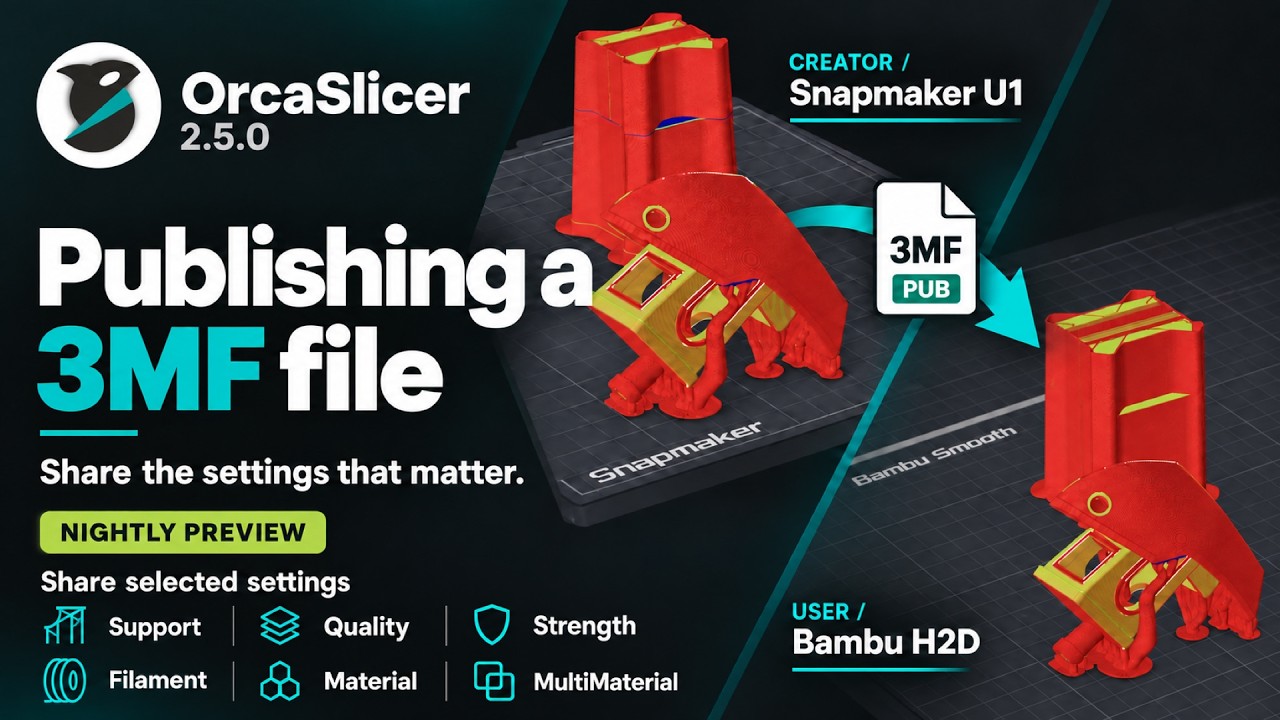
What does Publish 3MF do?
Important
NEW FEATURE: Publish 3MF Available in: Nightly builds or Releases greater than 2.5.0.
Publish 3MF embeds the settings you choose into a 3MF file, so the model and its configuration are shared together.
Unlike Save Project, which captures a full snapshot, you pick exactly which settings are required for the print and would be packaged together.
When another user opens it, nothing on the user's setup is overwritten; published settings are just applied on top.
How to identify a Published 3MF file?
A 3MF that's published from OrcaSlicer will show a little badge on the top-left corner of the file, along with green PUB text next to the file title.
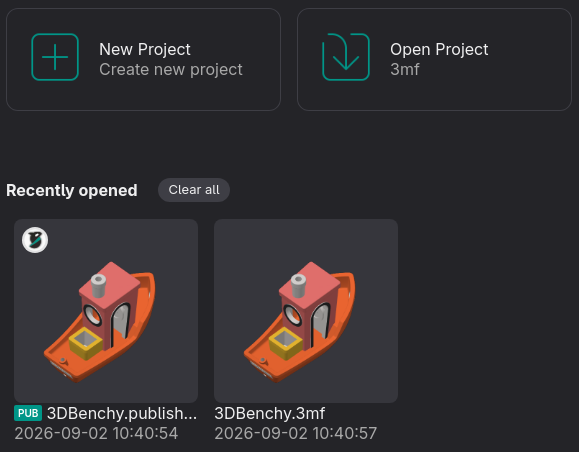
Opening a Published 3MF file
Simply open it just like any 3MF file!
Your printer setup does not change, and the filament/process settings required to print the model are applied directly on top of your existing settings.
Video Guide
A Publish 3MF video guide is also available on our YouTube channel. Link